


Hosted Shopfront
Your business.
Your online storefront.
A branded store on your own web address.
- Branded theme
- Stripe or manual pay
- Pickup & delivery

Multi-channel commerce
A multi-channel ecommerce platform for your business. Sell through an online store, QR codes, a self-service kiosk, or your existing website.

Built around the way
your business sells.
A connected way to sell
Add products once, then sell through your shopfront, website embed, QR menu, or kiosk, each with its own availability and prices.
Look closer
Scroll each channel for the customer path, what to turn on, and where to read more.
Hosted Shopfront
A branded store on your own web address.
Embed Widget
Your catalog and checkout, on a site you already have.

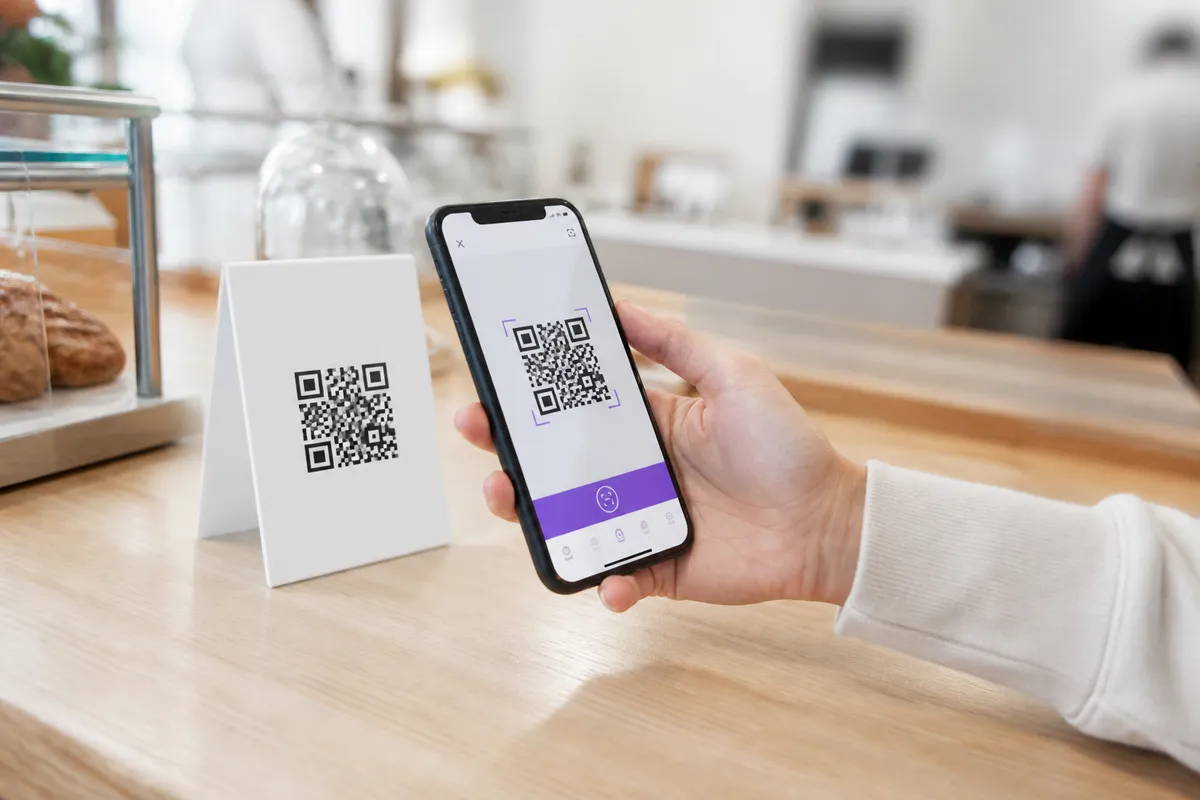
QR Ordering
Guests scan a table or counter code and order on their phone.
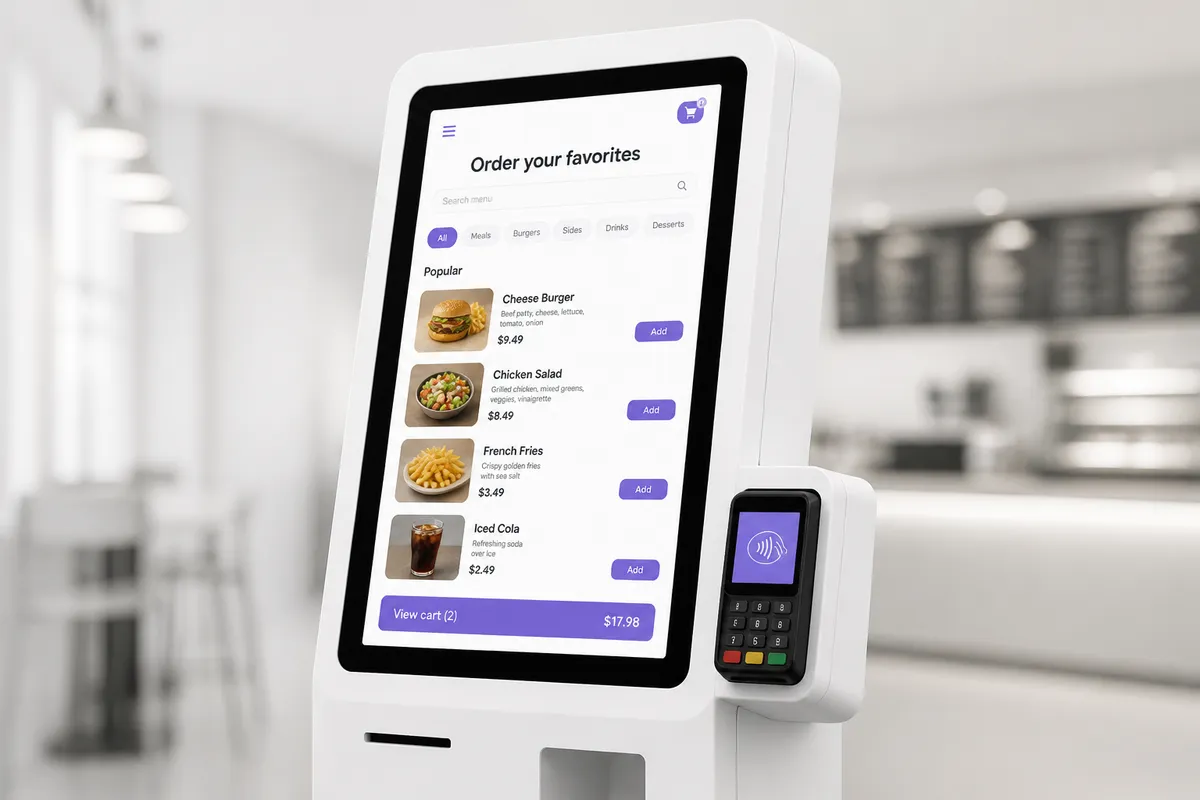
Self-Service Kiosk
Walk-up customers order on a paired in-store screen.

Hosted Shopfront: A branded online store where customers browse products, choose options, and check out. Configure pickup or delivery for your shopfront.
The other side of every sale
Your dashboard and Seller App keep catalog, orders, customers, and reports in one place, wherever you are.
Manage products, categories, variants, and channel pricing from your dashboard.
Accept, delay, or reject orders and update fulfillment status in the Seller App.
Review customers and order details, then export reports from the dashboard.

When an order comes in
Beyond the storefront
Catalog, payments, promotions, and reports, connected to the business you are building.
Catalog management
Categories, variants, options, and channel availability. One organized home for your products.
Seller Websites
Publish a brochure website for your business. Link it to your Hosted Shopfront for shopping and checkout.
Connect Stripe for cards or enable cash, pay on counter, and other manual methods by channel.
Run sales and coupons across your channels. Some promotions depend on your plan.
Review dashboard sales information and export reports for a closer look.
 Cards on every channel. Tap to Pay on kiosk.
 Delivery with your own account, where available
 Receipt printing from the Seller App
 Seller App and kiosk app for iPhone and iPad
 Seller App and kiosk app for Android
Built for your kind of business
Choose the path that matches how your customers buy and how you run day to day.
Build collections, offer product variants, and sell through a branded online store.
Bring your product catalog, online checkout, and day-to-day store settings together.
Offer online ordering, table or counter QR codes, and a paired self-service kiosk.
Share your business online, publish business links, and collect callback requests.
Your first steps
Set up your store, pick your channels, and get ready to welcome customers.
A guide for every next step. Get practical help with your catalog, checkout, and channels.
Visit the Help CenterStore Rav is a hosted commerce platform for merchants. You can launch a branded online store, manage products in one catalog, configure checkout, and handle orders with the seller app. Hosted Shopfront, Embed Widget, QR Ordering, and Kiosk give customers different ways to order.
Your 7-day trial starts when you create your store. Add products, configure your channel, and place test orders. When you are ready, go live and take real orders with live payments. Choose a plan before the trial ends to keep your store open.
View current plansYou can set up Hosted Shopfront from the dashboard. Use appearance settings to choose your theme, colors, product layout, and cart settings, then add your catalog.
See Hosted ShopfrontYes. Keep one shared catalog, then set product availability and price overrides for the ordering channels you use.
Read about channel availabilityCustom domains are available. Contact Store Rav to connect your own web address to your shopfront or Site Builder website.
Ask about a custom domainSite Builder publishes a separate brochure-style website without a cart. Hosted Shopfront is your online store where customers browse and place orders. Link your brochure website to your shopfront for checkout.
Learn about Site BuilderYOUR BUSINESS. BROUGHT TOGETHER.
One catalog, connected channels, and a place to manage it all.
Start with a free trial.